

Tipitaka Pāḷi Reader
The Ultimate Cross-Platform Pāḷi Reading, AI Search & Translation Suite
Tipitaka Pāḷi Reader (TPR) is a modern, feature-packed app designed for monks, scholars, students, and practitioners of the Pāḷi Tipiṭaka. Built from the ground up with Flutter, TPR delivers a fluid experience across all Desktop and Mobile devices, combining Full English Line-by-Line Translations, AI-Powered Semantic Searching, Integrated Dictionaries, and Multi-Panel Canon Reading.
Key Highlighted Features
1. Full Line-by-Line English Translation (via ePitaka Extension)
Reading Pāḷi has never been more accessible! With the ePitaka Extension, TPR brings complete line-by-line English translations alongside the original Pāḷi text for the Mūla Suttas.
- line-by-line Reading: Compare Pāḷi lines directly with English translations line by line.
- Easy One-Click Setup: Install the ePitaka extension directly inside TPR’s built-in Extension Manager.
- No Internet Required After Download: Read fully translated texts offline anywhere you go.
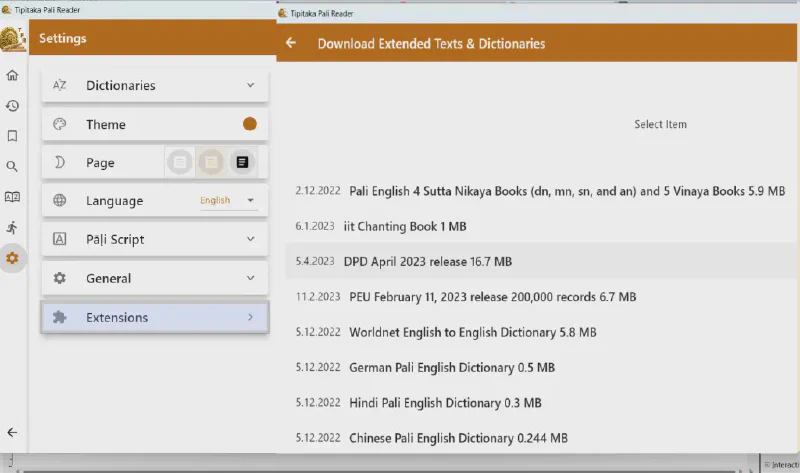 Extension Manager: One-click install for ePitaka Full English Line-by-Line Translations
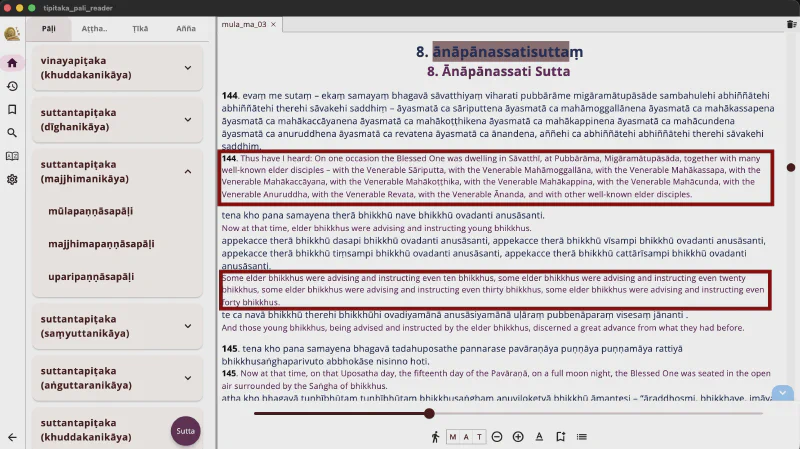 Side-by-Side Line-by-Line English Translation
2. Next-Generation AI Searching & Intelligent Assistant
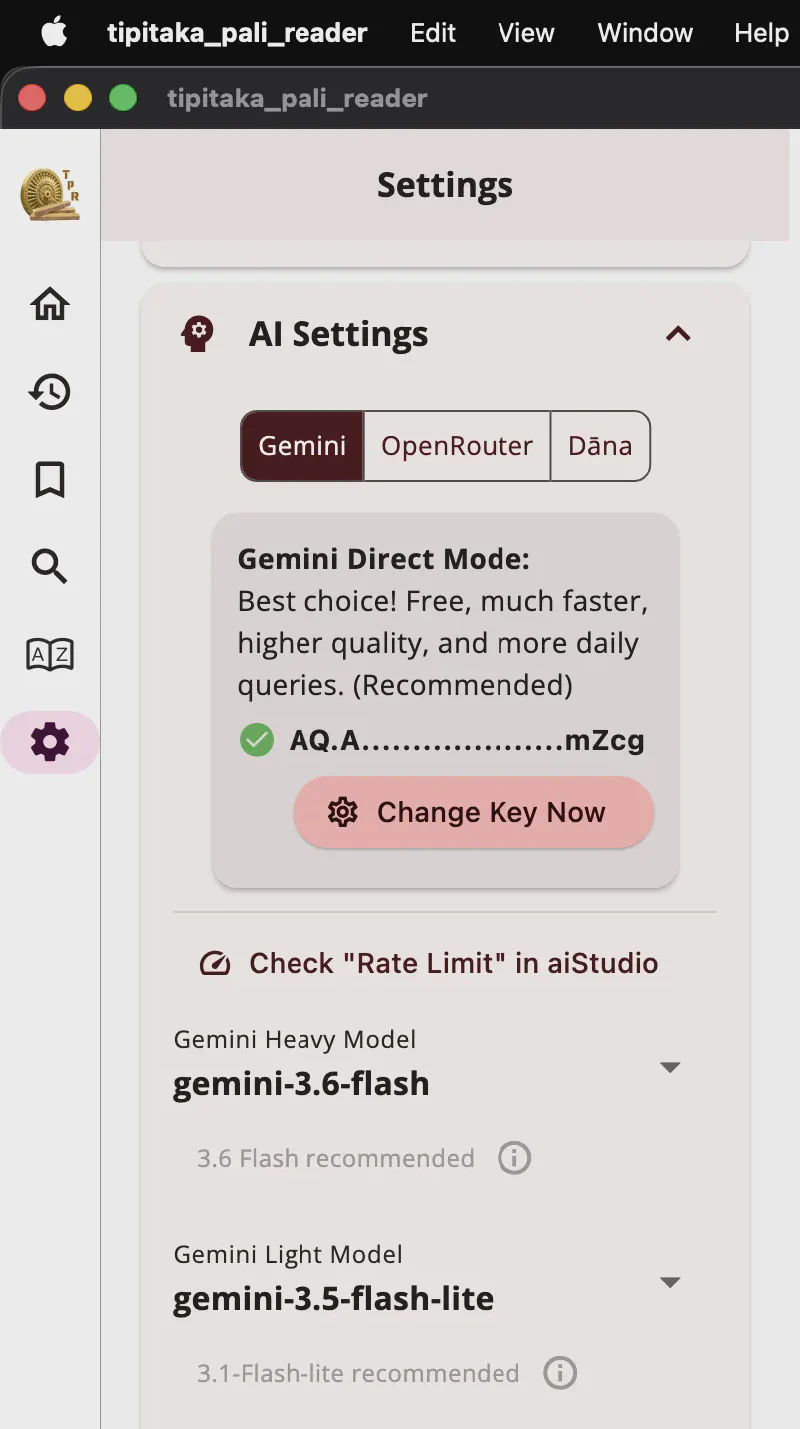 AI Settings & OpenRouter API Configuration
TPR revolutionizes Pāḷi canonical research with integrated Artificial Intelligence:
- AI-Powered Semantic Search: Search the Tipiṭaka using natural language questions or concept queries in plain English (e.g., “What did the Buddha say about mindfulness of breathing?” or “Explain the factors of Jhana”). The AI automatically plans search terms, queries the canon, evaluates matching passages, and synthesizes key summaries with direct jump links to the exact text.
- AI Context & Passage Breakdown: Highlight any word, sentence, or section in a book, right-click (or long-press), and open AI Context.
- OpenRouter API Integration: Connect your own OpenRouter key to access free or premium state-of-the-art models (GPT-4o, Claude, Gemini, etc.).
- Custom Prompts & Grammatical Analysis: Ask for contextual breakdowns, etymological explanations, or translation comparisons tailored to your exact study goals.
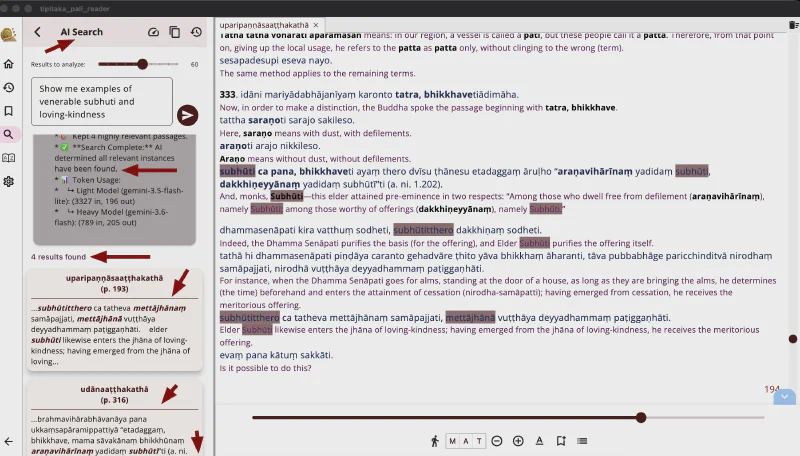 AI-Powered Semantic Search & Natural Language Queries
3. Complete Tipiṭaka Canon with Multi-View (M-A-T)
- Mūla, Aṭṭhakathā, and Ṭīkā (M-A-T): Instantly switch or open Root Suttas, Commentaries, and Sub-commentaries side-by-side.
- Multi-Panel Split Layout: Synchronize scrolling across multiple panes, hide/expand panels, and customize your layout for comparative study.
4. Deep Integrated Dictionaries (DPD & PEU)
- Includes the world-class Digital Pāḷi Dictionary (DPD) by Ven. Bodhirasa and the Pāḷi-English Ultimate (PEU) dictionary.
- Single-Tap Lookup: Tap or click any word in a text to instantly view definitions, grammatical declension/conjugation tables, compound breakdowns, and word family origins.
- Moveable Sliding Sheet: Flexible dictionary drawer that resizes or pops up smoothly.
5. Lightning SQLite Full-Text Search (FTS) with Diacritic Fuzzy Matching
- Instant search engine powered by SQLite FTS.
- Fuzzy Diacritic Matching: Search using simple Roman letters (e.g., typing
samanerafindssāmaṇera). - Filter results by canon section chips (Mūla, Aṭṭhakathā, Ṭīkā, Vinaya, Sutta, Abhidhamma).
- In-page search (
Ctrl+F/Cmd+F) for quick keyword jumping.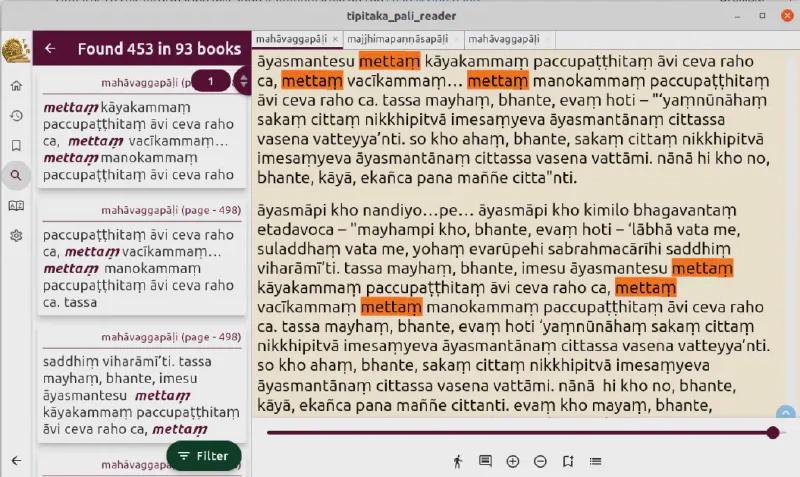 Mettā Search & Deep Text Analysis
6. Built-In Velthuis Diacritic Input & Multi-Script Support
- Velthuis System Integration: Type diacritics using standard ASCII keys (
aa$\rightarrow$ā,.m$\rightarrow$ṃ,~n$\rightarrow$ñ). No special external keyboards needed! - Multi-Script Rendering: View Pāḷi text seamlessly in Roman, Sinhala, Devanagari, Myanmar, Thai, Khmer, Bengali, Cyrillic, and more.
7. Bookmarks, Sticky Highlights & Custom Notes
- Save bookmarks with custom study notes.
- Apply sticky highlights directly onto text lines for visual reference.
- Track recent reading locations for instant continuation.
8. Deep Linking & Easy Passage Sharing
Sharing canonical passages with friends, study groups, or notes is effortless:
- Right-Click to Copy Link: Right-click (or long-press) any word, sentence, or section to quickly copy a direct deep link.
- Bookmark & Share Links: Save deep links in your bookmarks or share them in messages, emails, and documents.
- Instant App Opening: When anyone taps or clicks the link on their device, it opens the app directly to that exact text and passage!
Interactive Interface Showcase
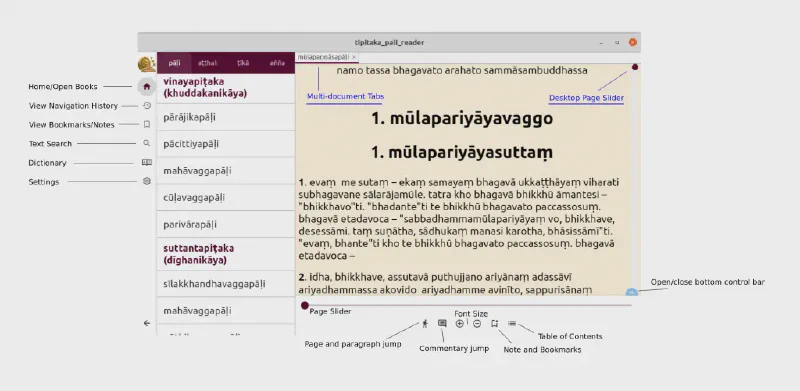 Main Reader Interface with Navigation Pane and Canon Selection
 Multi-View Panel: Open, compare, hide/show, and resize side-by-side Mūla, Aṭṭhakathā, and Ṭīkā views
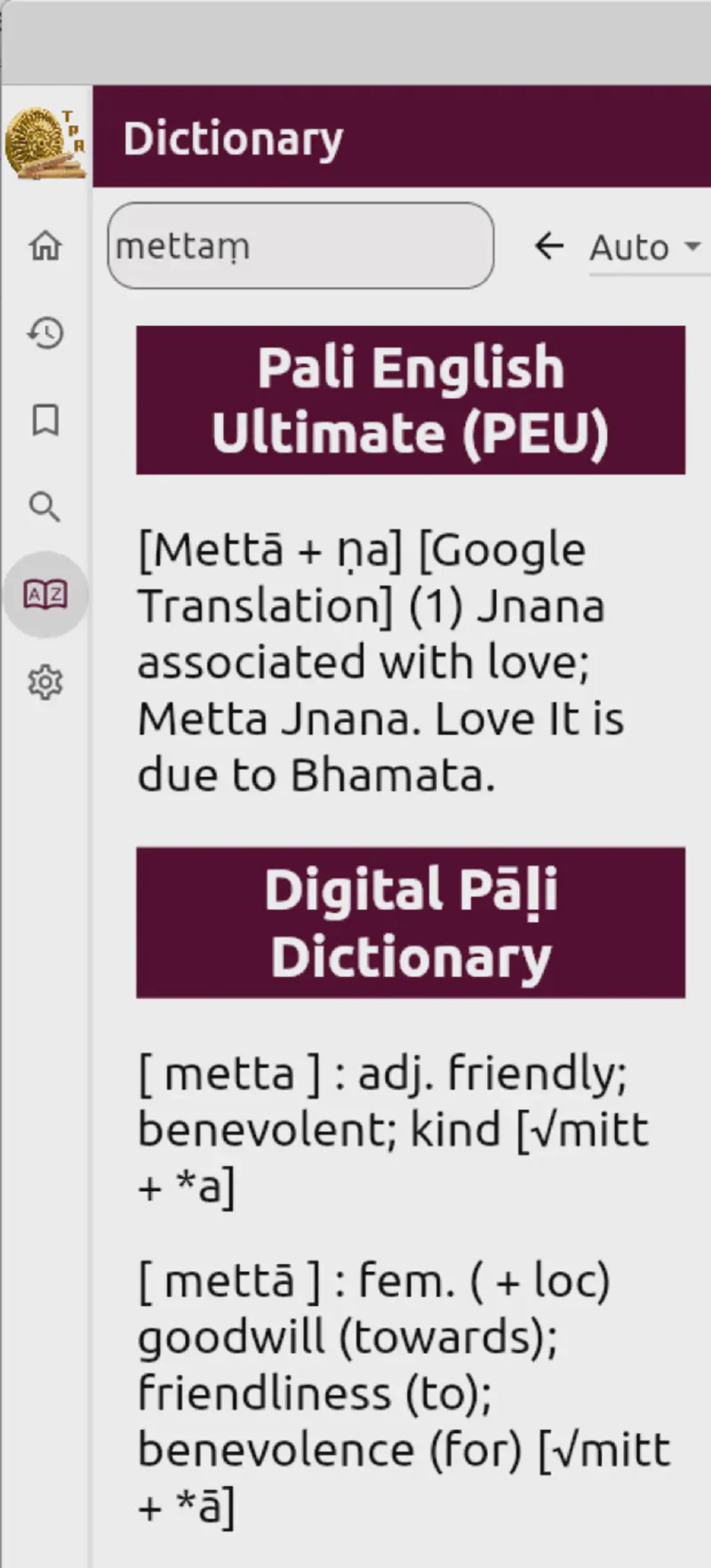 Instant Dictionary Lookup with Digital Pāḷi Dictionary (DPD)
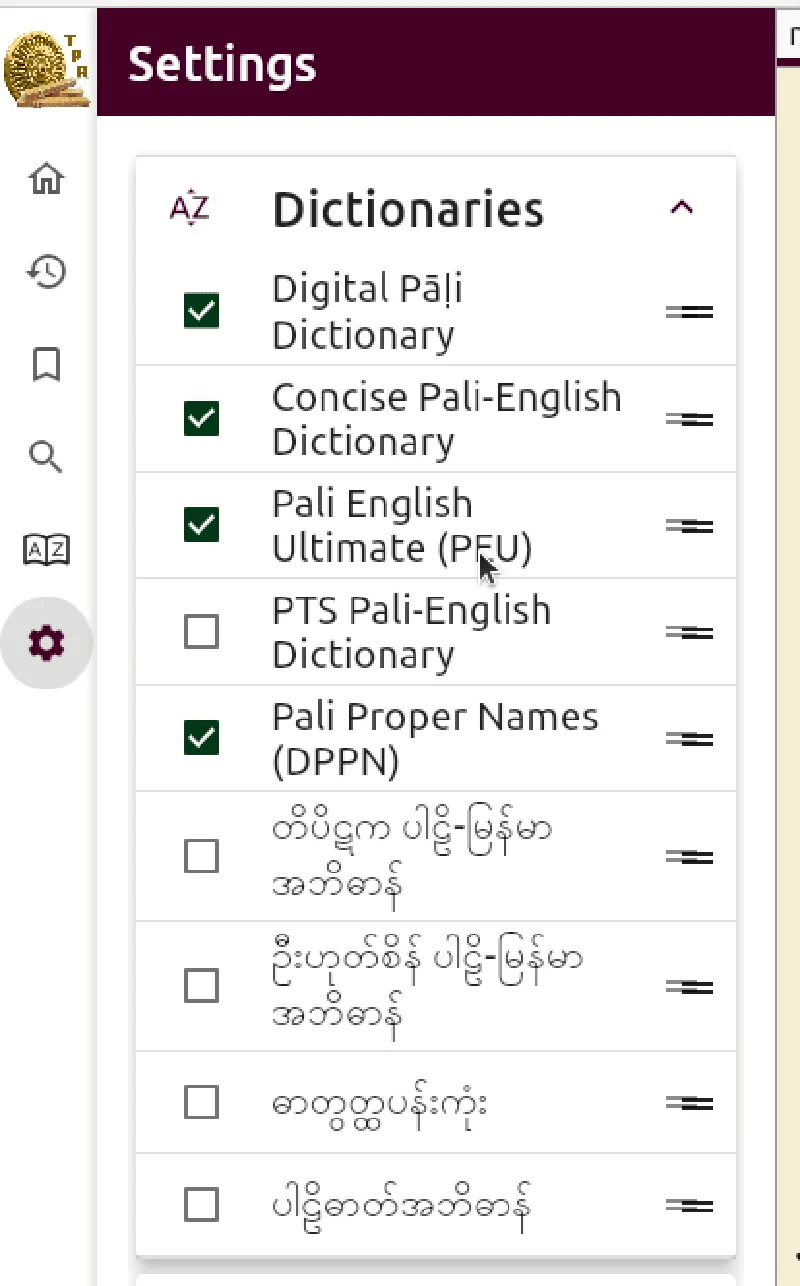 Flexible Resizable & Moveable Dictionary Drawer
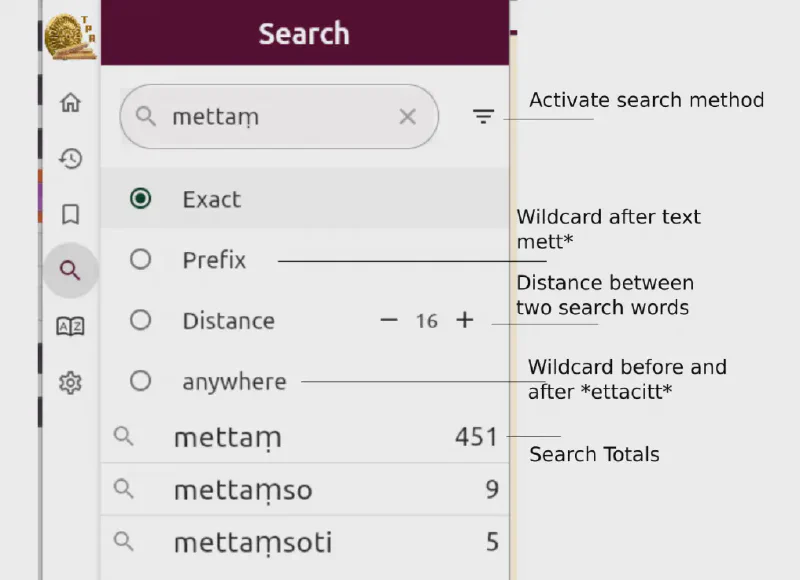 Fast Search Engine with Category Filter Chips
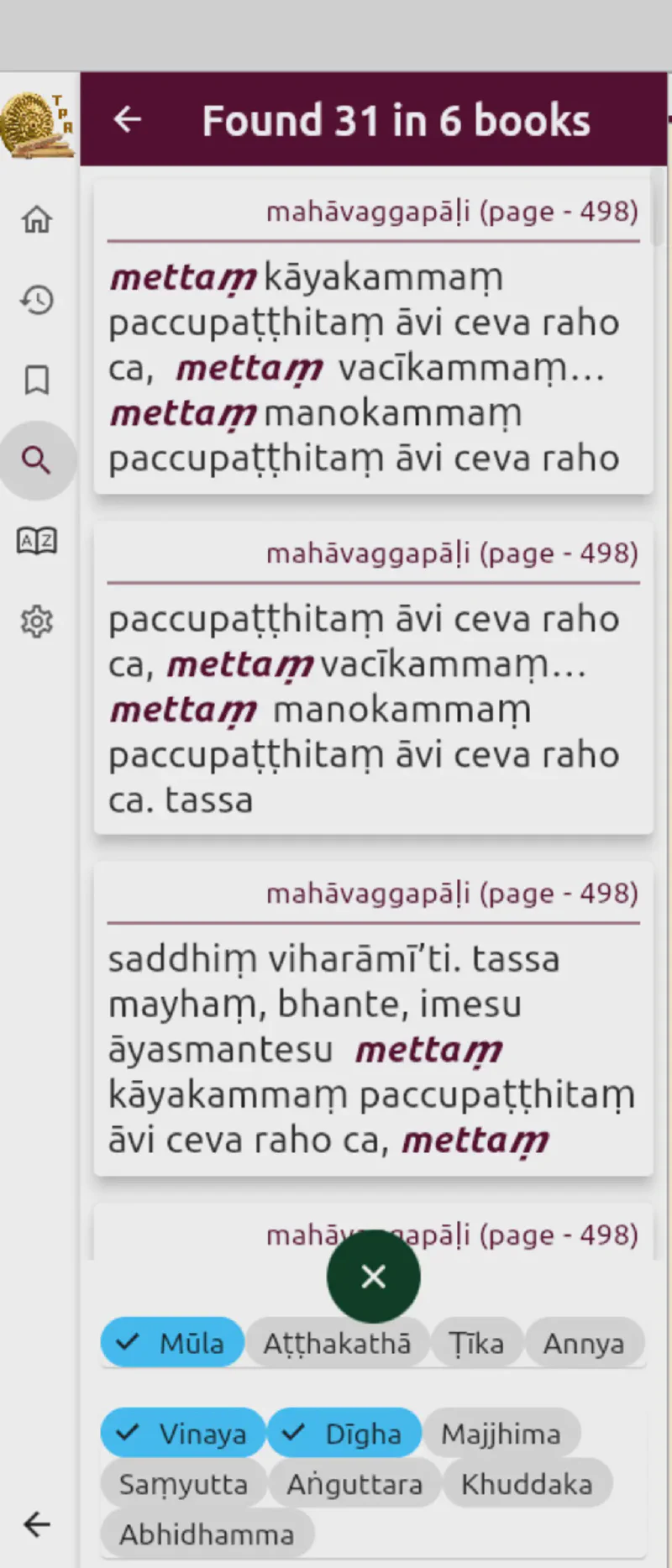 Filtering Search Results by Canonical Sections
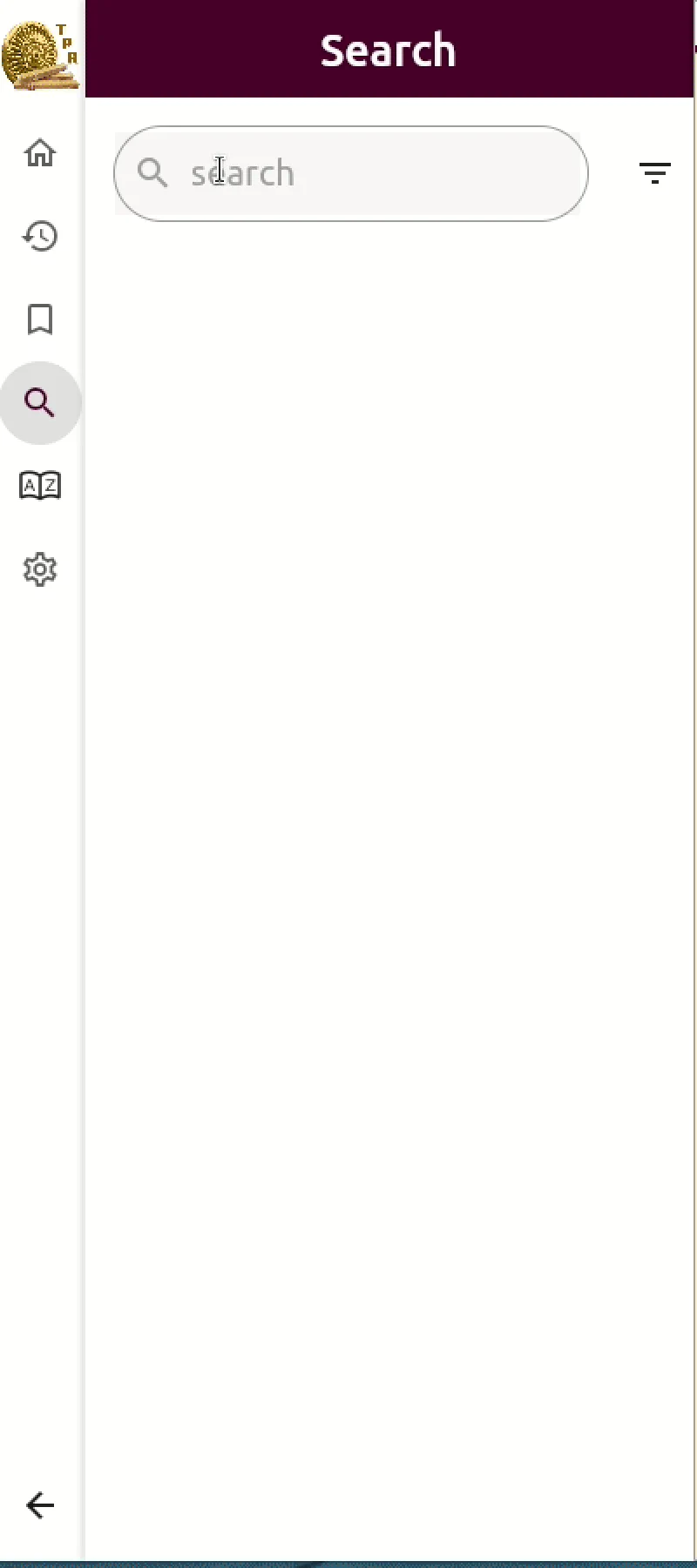 Dynamic Search Filtering in Action
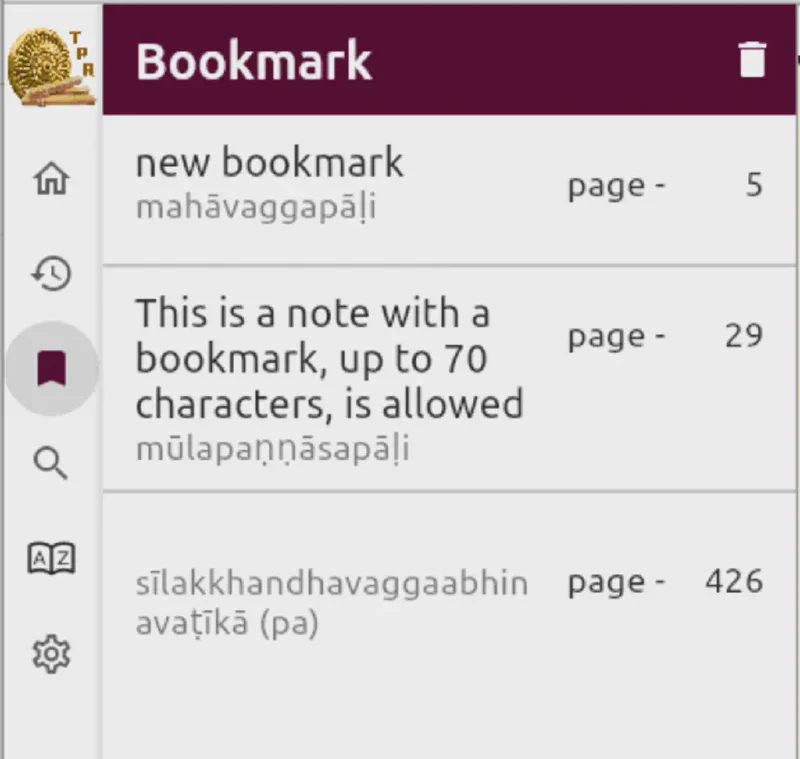 Bookmarks & Custom Notes Management
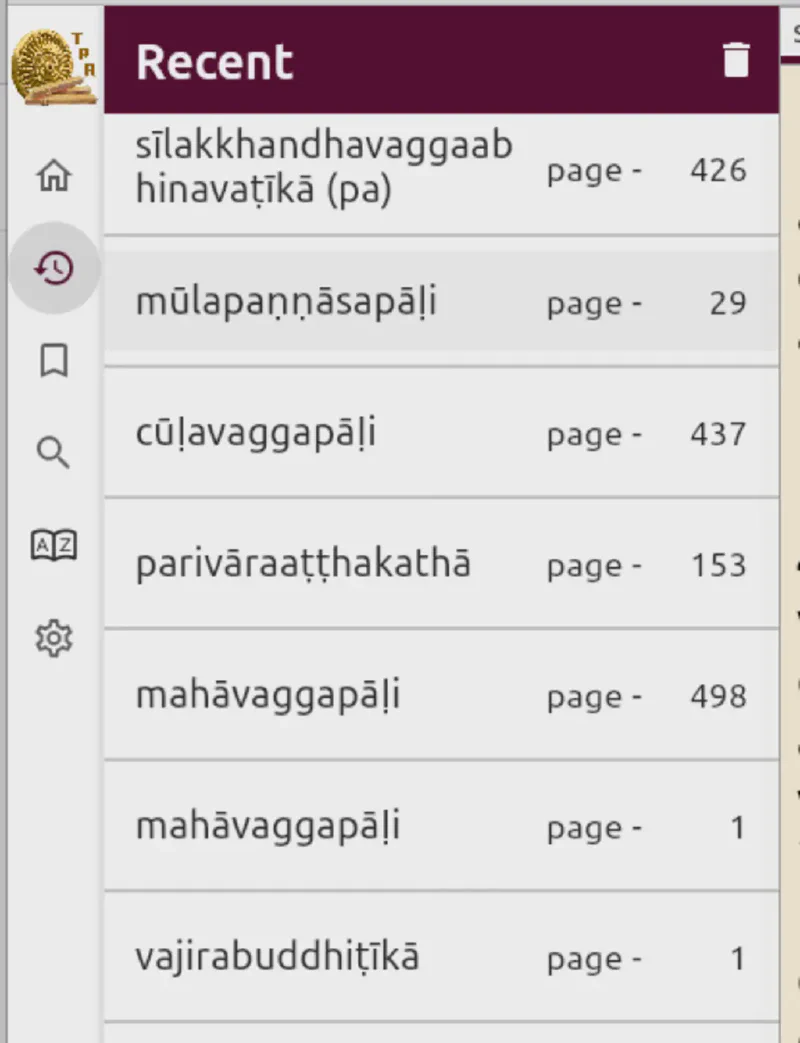 Recent Reading History & Quick Navigation
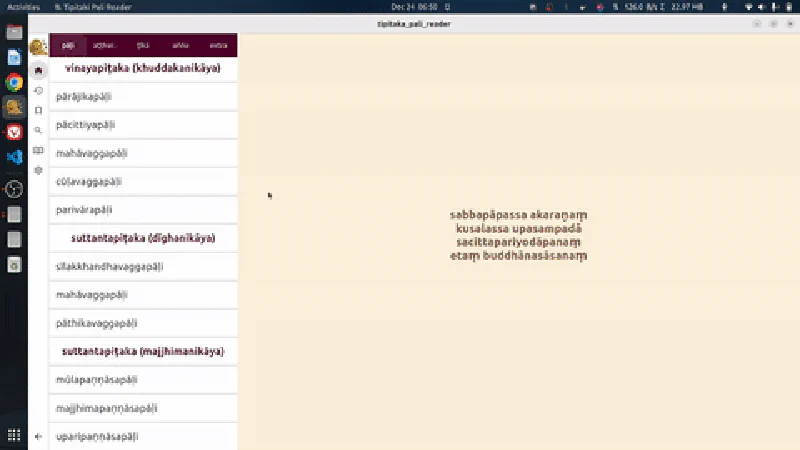
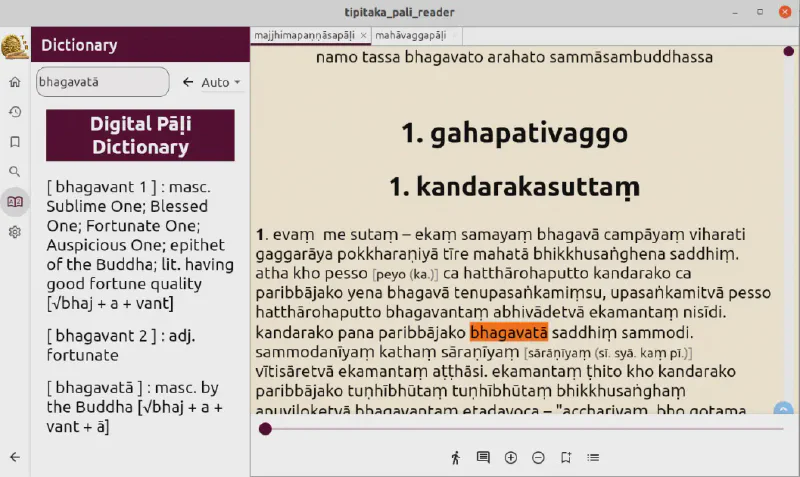 Desktop Reading Experience on Linux
Contributors & Open Source Community
- Lead Developer: Venerable Ashin Pannyadazza (Apple Developer Page | Google Play Developer Page).
- Project Management & Co-Development: Venerable Subhuti (AmericanMonk.org).
- Store Distribution Support: Tharindu Madushanka and the Path Nirvana Foundation for Apple App Store submissions.
- Open Source Repository: Source code is available on GitHub. Technical contributions, feature requests, and issue reports are always welcome!
Other Useful Software

Buddhist Sun App
Designed for monks, nuns, and practicing yogis who observe the precept of not eating after noon. Calculates exact solar noon based on GPS location. Available on the Buddhist Sun App page.
Click below to search subjects
Join Our Mail List
Get updates on new Dhamma teachings, essays, and videos delivered to your inbox.
Subscribe to Updates